Home Top Niches
Dropshipping Services
Branding Service Inventory Storage Product Sourcing Fulfillment Solutions White Label Dropshipping Private Label Dropshipping
Fulfillment Services
Amazon Fulfillment Ebay Fulfillment Etsy Fulfillment Shopify Fulfillment TikTok Shop Fulfillment WooCommerce Fulfillment
Launch Your Brand
Branding Support Store Design Shopify App Design Label Design Financial Services Custom Solutions
About Us
About Us Blog FAQs Our Team Free Quote Integrations Testimonials

Shopify Fulfillment From China, Connected to Your Store

Install the official DailyFulfill Shopify app. Once your store, products, and fulfillment workflow are approved, eligible orders can enter our system and tracking is returned to Shopify after dispatch.

Since 2017 • 6,000+ Active Stores • 50+ Countries • 20,000+ Orders Shipped Daily

Your Shopify Store Is Growing. Your Fulfillment Workflow Needs to Keep Up.

As order volume grows, manual forwarding, fragmented tracking, inconsistent order checks, and separate store workflows create more opportunities for delay and error.

The goal is not automation at any cost. It is a connected workflow with clear boundaries for data, inventory, order checks, shipping, and exceptions:

1
Manual order processing

Copying orders and tracking data between systems creates avoidable delays and data-entry mistakes as order volume increases.

2
Unclear tracking updates

Tracking can become confusing when carrier data, the Shopify connection, or the shipment status is not mapped and updated correctly.

3
Undefined quality checks

Inbound receiving, order-level verification, sampling, and full inspection are different scopes. Without a defined plan, expectations can diverge.

4
Disconnected store workflows

Multiple stores and platforms need clear store mapping, SKU rules, stock allocation, and responsibility for operational exceptions.

What changes with an agreed Shopify fulfillment workflow
  • ✓
    Official Shopify App — install DailyFulfill from the Shopify App Store and connect approved stores through the account workflow.
  • ✓
    Post-dispatch tracking sync — after a shipment is created successfully, available tracking data is sent back to the connected Shopify order. Rejected or incomplete updates are handled as exceptions.
  • ✓
    Shopify plans from Basic to Plus — confirm the required app permissions, store setup, and workflow functions during onboarding.
  • ✓
    Multi-store, multi-platform management — connected stores can be managed under one DailyFulfill account after store, SKU, and fulfillment rules are mapped.
  • ✓
    Named support specialist — a real person who understands your stores, products, workflow, and current priorities.
6,000+ Active stores served
20,000+ Orders shipped daily
6–12 days Estimated transit to the US
3–8 days Estimated transit to Europe
Plan My Shopify Fulfillment Pricing and service scope are confirmed before fulfillment begins
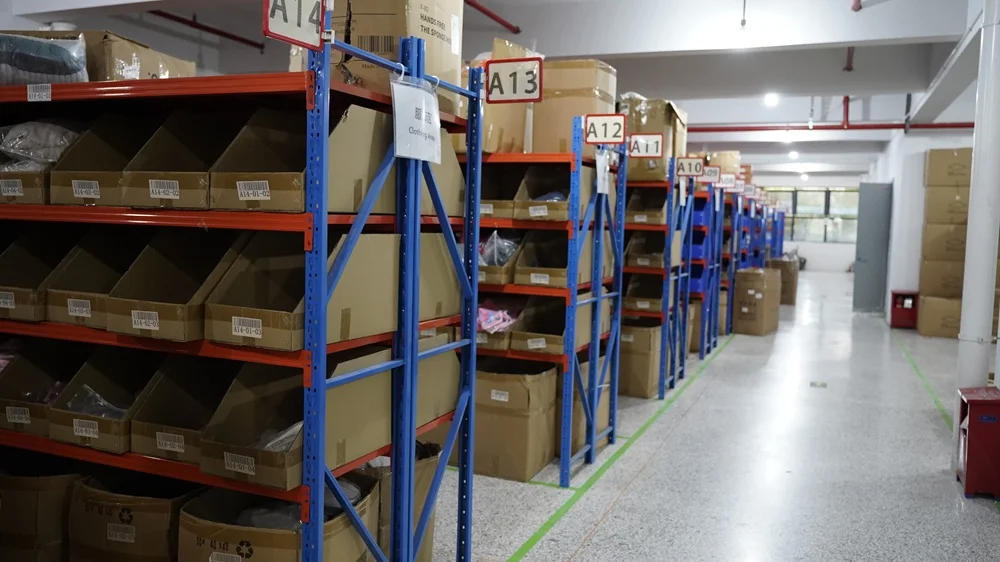
Inside Our Warehouse

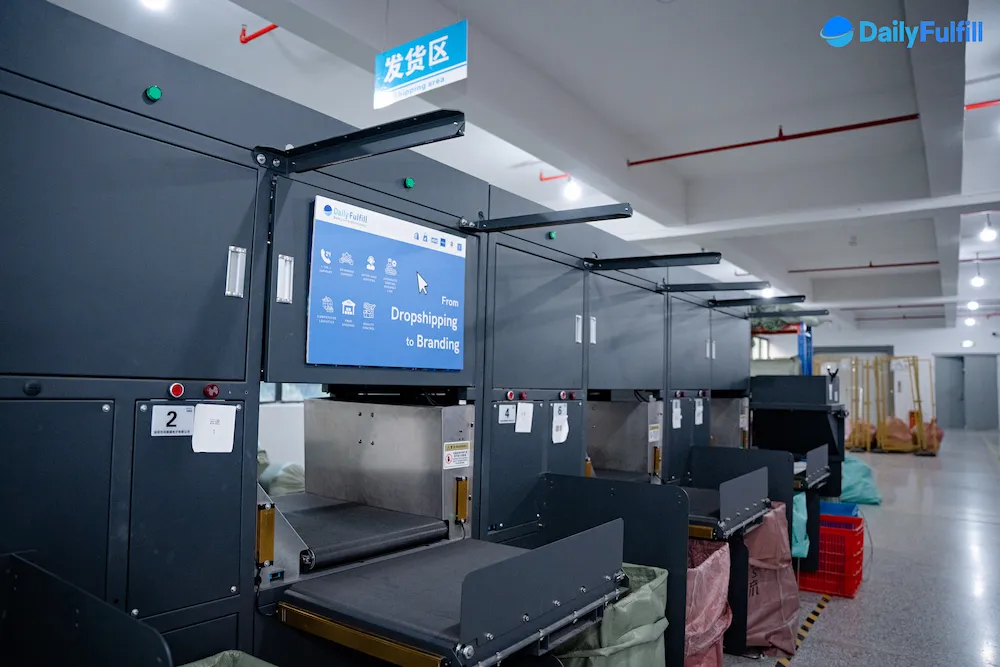
This is where your orders are packed.

Yiwu + Guangzhou 8,400 m² warehouse space 20,000 orders/day
DailyFulfill fulfillment warehouse in Yiwu, China
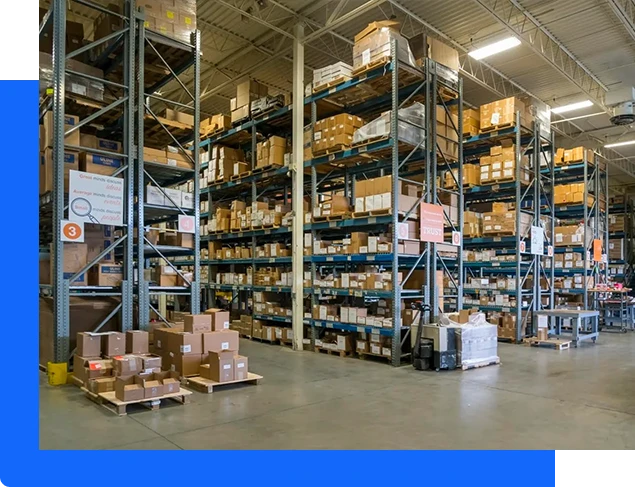
Main Storage
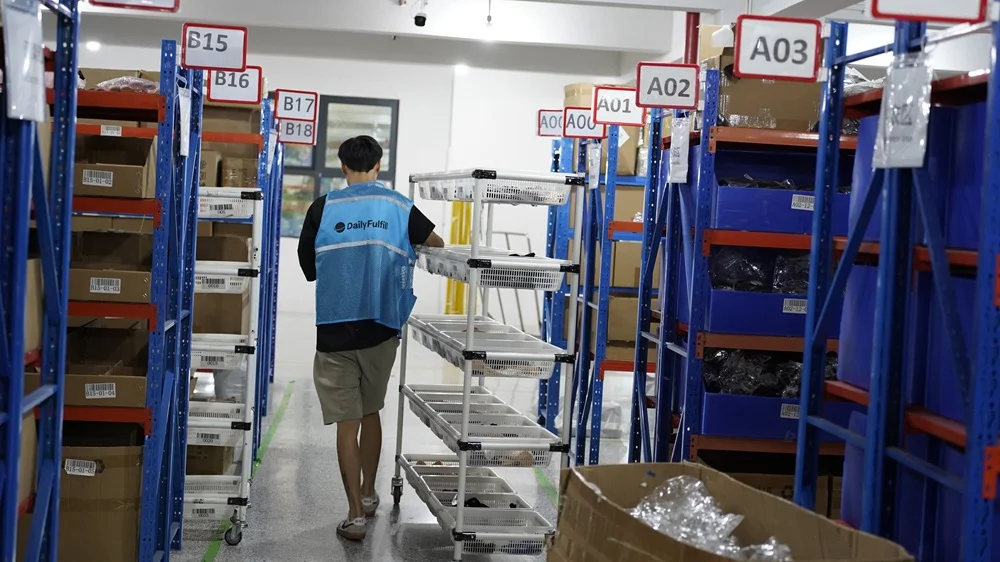
DailyFulfill packing station
Packing
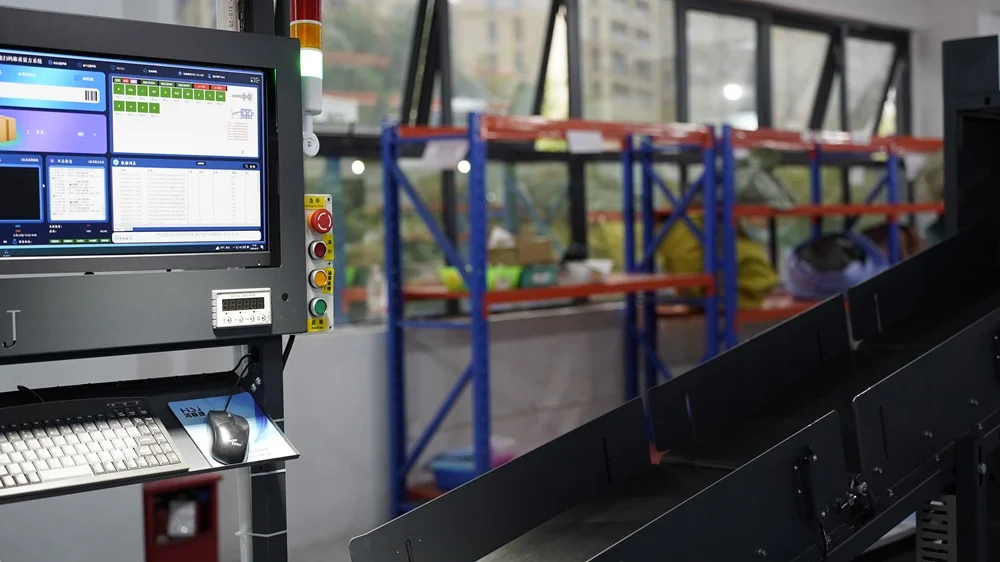
DailyFulfill quality inspection area
Inspection
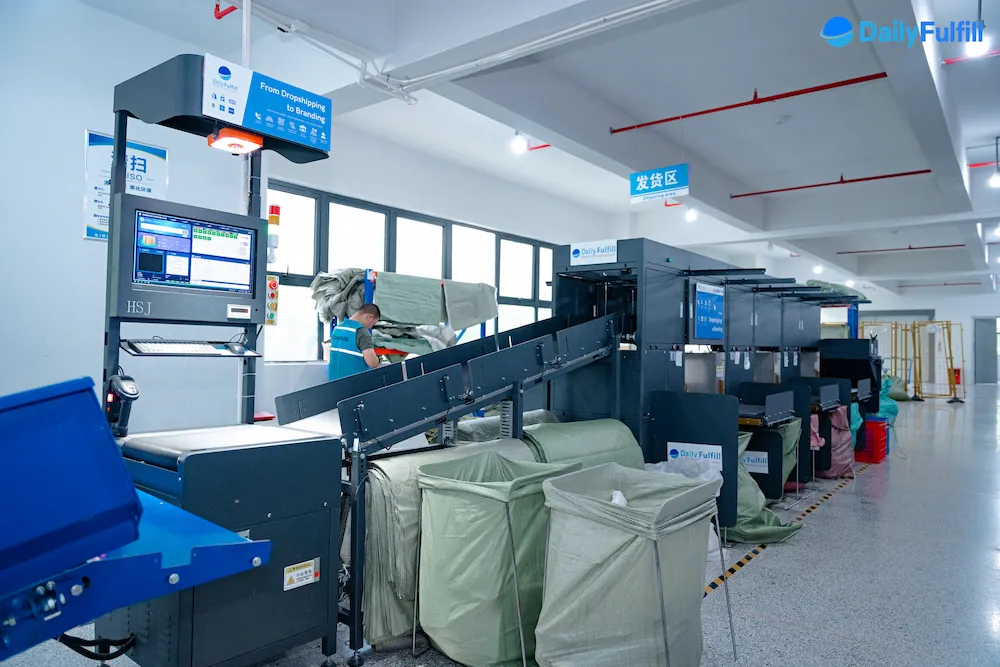
DailyFulfill outbound dispatch area
Dispatch

Our Official Shopify App Does the Heavy Lifting

Install the app, connect approved stores, and map the products and fulfillment rules that should enter the workflow.

DailyFulfill: Dropshipping & ODM
Available on the Shopify App Store ✓ Official App

Search “DailyFulfill” in the Shopify App Store and install the official app. After registration, connect your store from the store-management module. Once permissions, product mapping, and operating rules are confirmed, eligible orders can enter the system without manual CSV forwarding. Orders with missing or changed data remain visible exceptions for review.

View on Shopify App Store
🔃
Post-dispatch tracking sync

After a shipment is created successfully, the tracking number and fulfillment status can be sent back to the connected Shopify order. Unsupported, rejected, or incomplete updates are reviewed as exceptions.

🏭
Mapped multi-store management

Multiple Shopify stores and supported sales channels can be connected under one DailyFulfill account. Each store, SKU, stock source, and fulfillment rule should be mapped before launch.

💰
Shopify plans from Basic to Plus

The app is designed for Shopify stores from Basic through Plus. Required permissions, functions, and any store-specific workflow should be confirmed during onboarding.

👤
Named support specialist

Every active client works with a real specialist through the agreed service channels. The specialist follows the store, products, operational priorities, and open exceptions.

Get connected in 4 steps

From app installation to approved fulfillment. Store setup, pricing, and operating scope are confirmed before orders begin.

1
Install the app
Find “DailyFulfill” in the Shopify App Store and install the official app.
2
Register and map
Create your account, connect the store, and confirm permissions, products, SKUs, and fulfillment locations.
3
Confirm the scope
Share products, destinations, expected volume, and required sourcing, QC, packaging, and shipping services.
4
Launch approved orders
After products, inventory, workflow, and payment terms are ready, eligible orders enter fulfillment and tracking returns after dispatch.
Real Shopify store owner
★★★★★

"DailyFulfill has been a great fulfillment partner. We've been working with them for 5 months now, fulfilling nearly 2,000 orders. Noora is very responsive and hard-working — she even answers late into the night. She resolves issues quickly and is always there to help. Working with Noora and the rest of the DailyFulfill team has been a good experience so far. Highly recommend!"

SF
Verified Shopify Store Owner
5 months · ~2,000 orders fulfilled
✓ Verified Trustpilot review
Get My Free Shopify Fulfillment Quote A specialist typically replies within 24 hours on business days
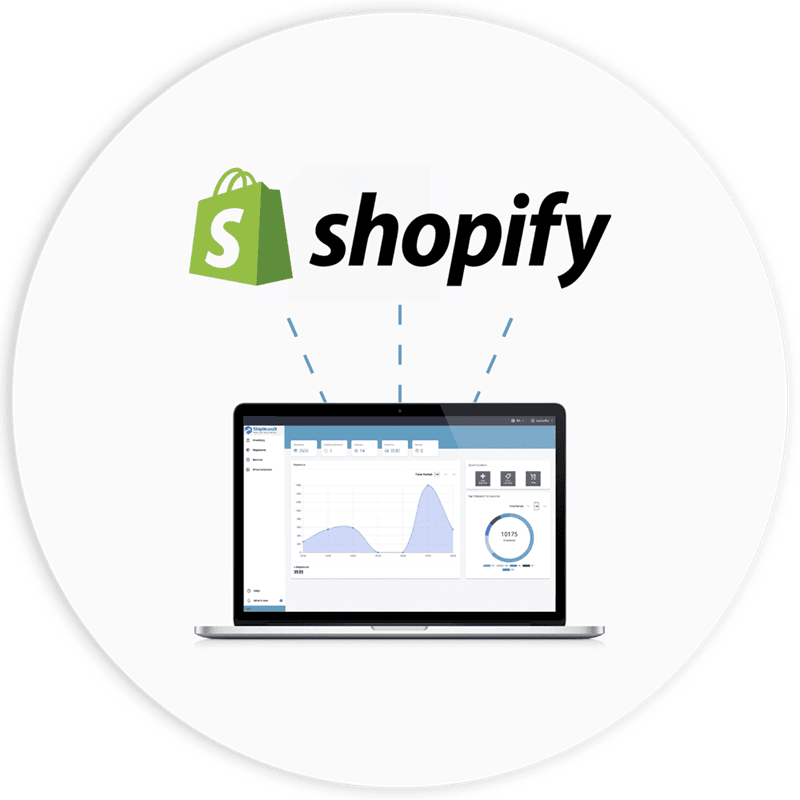
Shopify Automation Boundary

Know what syncs automatically—and what still needs a decision

The app connects order and tracking data, but reliable fulfillment still depends on approved products, available inventory, mapped SKUs, agreed shipping rules, and a clear exception process.

01

Connected order data

Eligible orders can enter DailyFulfill after the store connection, permissions, products, SKUs, and fulfillment location are mapped.
02

Tracking after dispatch

Tracking and fulfillment status return to Shopify after a shipment is created successfully. Rejected or incomplete updates remain visible exceptions for review.

03

Manual exception handling

Holds, cancellations, address changes, duplicate orders, out-of-stock items, split shipments, and special handling may need confirmation before processing continues.

Confirm before launch

Store permissions, fulfillment location, SKU mapping, inventory source, cut-off time, shipping routes, order-level checks, packing rules, cancellation and address-change rules, and who resolves synchronization exceptions.

Inside DailyFulfill

We don't just sell software — we run real warehouses

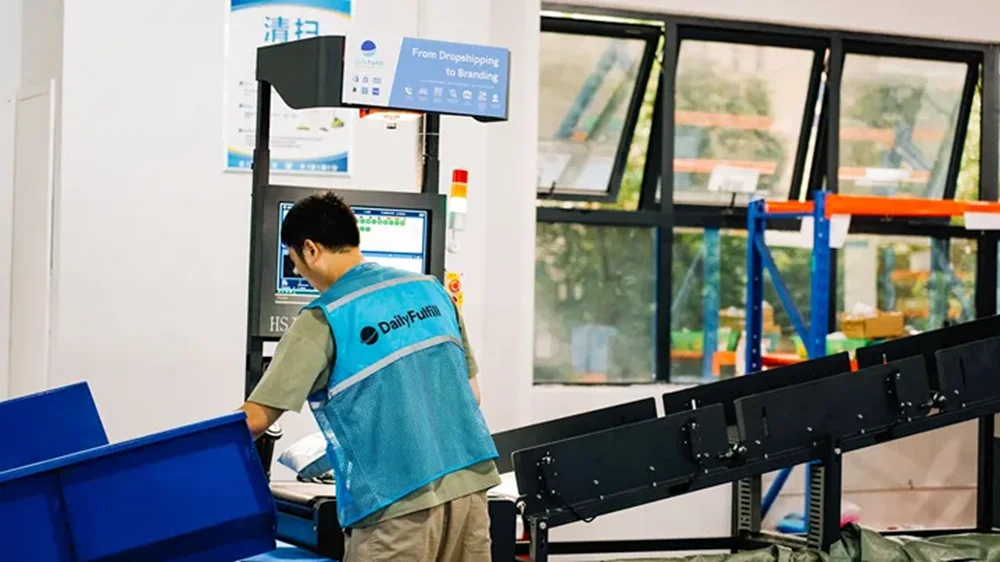
Our fulfillment team operates in China with 8,400 m² of warehouse space and ships 20,000+ orders every day .

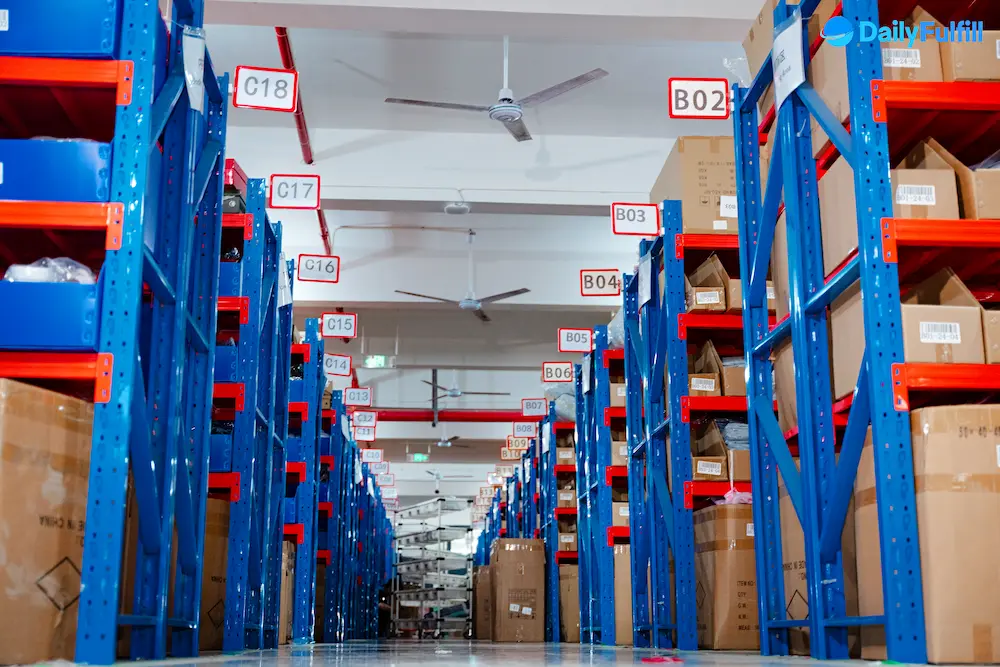
DailyFulfill fulfillment warehouse in China — order picking and packing operations
Inside DailyFulfill's China warehouse — shelving and inventory storage
DailyFulfill warehouse packing and order fulfillment area
DailyFulfill warehouse operations — staff processing daily orders
Warehouse photo — full view

FAQs

Install the official DailyFulfill app from the Shopify App Store, create a DailyFulfill account, and connect the store through the store-management workflow. Orders can enter fulfillment after the required permissions, products, SKUs, inventory source, and operating rules are mapped. Orders with missing, changed, held, or unsupported data may require manual confirmation.

Yes. Multiple Shopify stores and supported platforms can be connected under one DailyFulfill account. Each store should have its own connection, product and SKU mapping, inventory source, packing rules, shipping scope, and exception responsibilities confirmed before orders begin.

Pre-stocked, order-ready inventory confirmed before the agreed cut-off can usually be processed the same business day. Preparation time is separate from transit time. Estimated transit after dispatch is 6–12 days to the US and 3–8 days to Europe, depending on the destination, product, carrier route, customs, and external conditions.

Yes. Approved Shopify orders can use custom boxes, mailer bags, cards, inserts, stickers, labels, and other agreed materials. MOQ, production cost, lead time, storage eligibility, and the exact packing rule depend on the packaging project. Standard storage is free for active clients within the agreed scope; exceptional or inactive materials are confirmed separately.

First confirm the tracking event, carrier evidence, parcel condition, order record, and where the loss or damage occurred. Replacement, reshipment, refund, credit, a carrier claim, or another solution is determined by the evidence, confirmed cause, responsibility boundary, and agreed policy. There is no blanket automatic “100% compensation” promise.

Related blog

Learn dropshipping tips, sourcing strategies and fulfillment insights from DailyFulfill

01 02 03