
 English
 Français
 Deutsch
 Nederlands
 Polski
 Español
Inventory Before Promotion
Forecast the campaign, confirm sellable inventory and packaging, allocate variants, and agree replenishment triggers before traffic is pushed to the listing.
Connected data reduces repeated work, but successful execution still depends on approved inventory, mapped products, realistic capacity, current platform settings, and clear exception decisions.
Forecast the campaign, confirm sellable inventory and packaging, allocate variants, and agree replenishment triggers before traffic is pushed to the listing.
The approved shop site, product eligibility, SKUs, variants, bundles, inventory source, and ship-from workflow must match the connected operating data.
Tracking upload, carrier acceptance, In Transit status, cancellation, address changes, out-of-stock orders, and failed updates are separate events with defined owners.

The integration can move supported order and tracking data. Product approval, inventory readiness, processing capacity, shipping performance, carrier scans, and platform outcomes remain separate operational responsibilities.
Use the correct DailyFulfill account, select TikTok Shop in Store Management, confirm the applicable shop site, and test the order and tracking workflow before increasing volume.
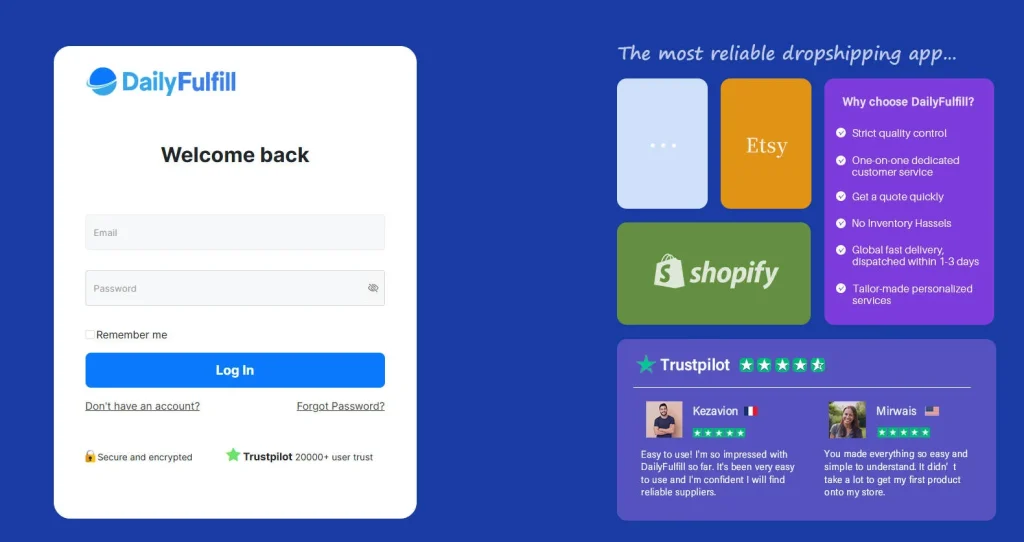
Use the DailyFulfill account that will own the shop connection, SKU references, inventory records, operating instructions, and exception communication.
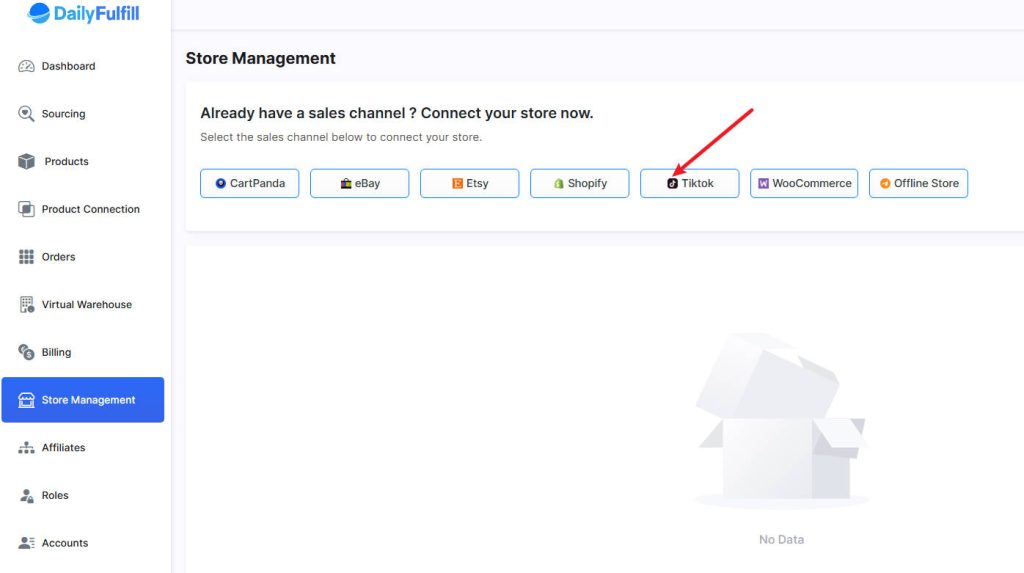
Open Store Management, choose TikTok Shop, and connect only the shop intended for the agreed fulfillment workflow.
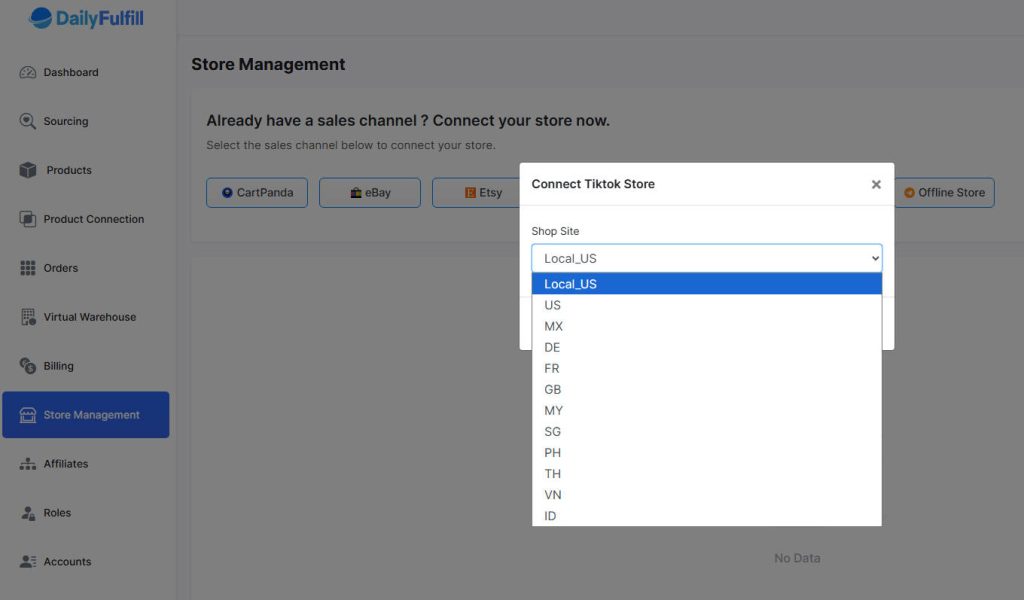
Confirm the shop site and market, then test eligible order import, SKU mapping, warehouse instructions, shipment creation, and tracking return.
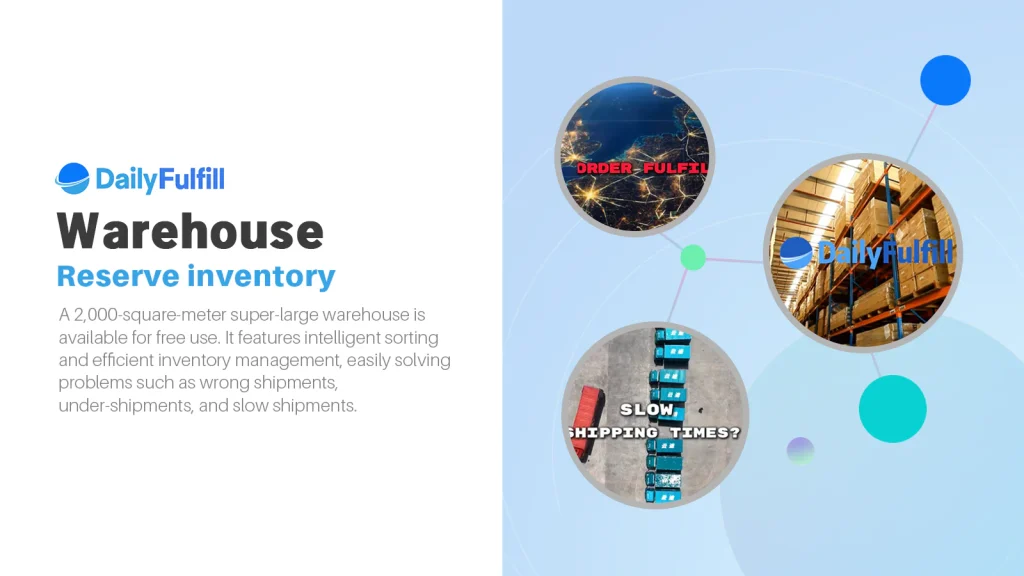
Automation is useful only when the warehouse scope is clear. The operating plan should define inventory readiness, order-level checks, packaging, capacity, dispatch, tracking return, and escalation rules.
Agreed checks may cover SKU, variant, quantity, bundle contents, visible damage, and packaging. Full inspection and product-specific tests are scoped separately.
Forecast order volume, confirm daily processing capacity, pre-stock approved inventory, and agree what happens when actual demand exceeds the plan.
Use blank or seller-approved branded materials according to the project scope, stock availability, quantity, and preparation lead time.
Supported tracking returns after successful shipment creation. Carrier acceptance and later platform statuses depend on downstream events and current platform validation.
Each platform has its own permissions, product references, shipping rules, and exception events. DailyFulfill can coordinate approved stores after each workflow is mapped separately.






Start with an approved shop and controlled test. Once the order, warehouse, shipment, and tracking events are stable, confirm the campaign forecast and increase volume in stages.
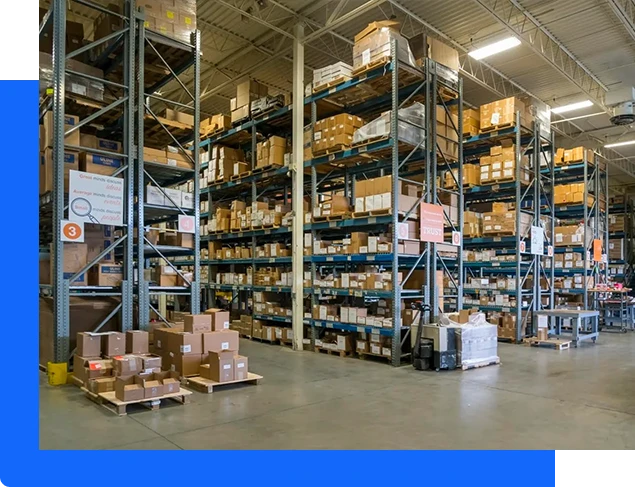
Keep the original visual resources while giving each guide a clear role in campaign, product, and fulfillment planning.
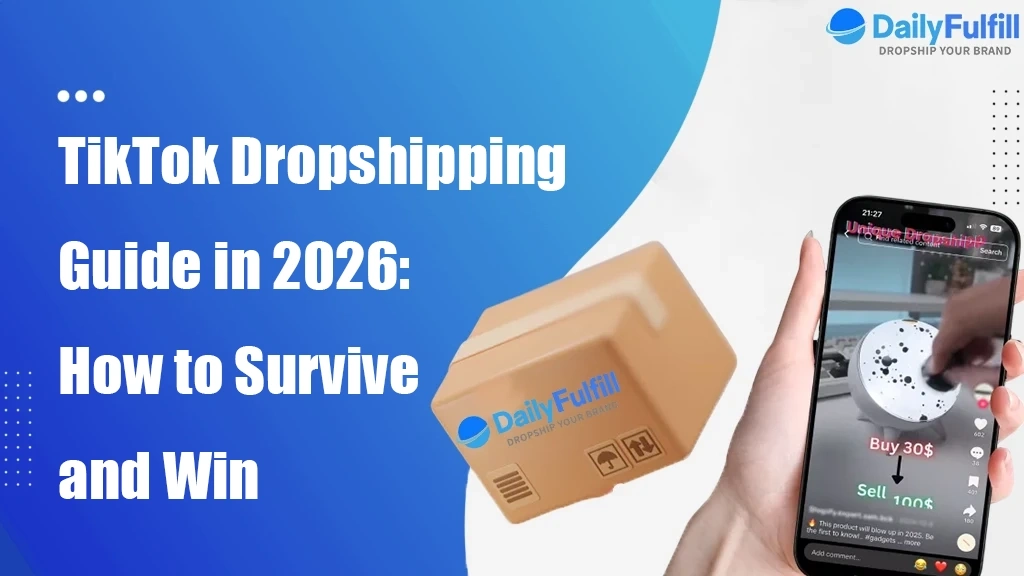
Understand the storefront, product, order, fulfillment, shipping, tracking, and platform responsibilities behind the sales channel.

Evaluate product fit, supply conditions, samples, inventory, packaging, and campaign readiness before committing volume.

Coordinate content planning with inventory and fulfillment capacity so campaign growth does not outrun operations.
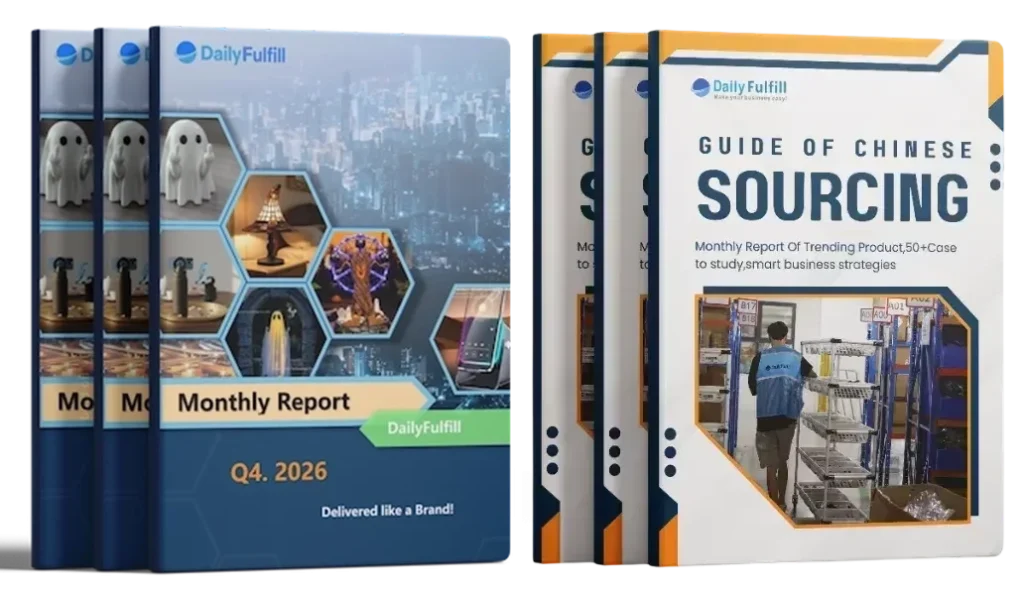
Store integration is one layer of the operating system. Product approval, supplier conditions, inventory, packaging, and replenishment should be ready before promotion begins.
Explore more DailyFulfill insights →