
 English
 Français
 Deutsch
 Nederlands
 Polski
 Español
Repeated Order Entry
Copying order details between systems consumes time and creates extra opportunities for quantities, addresses, or service instructions to be entered incorrectly.
The goal is not simply to move data faster. It is to reduce repeated entry while keeping product, inventory, shipping, and exception decisions visible.
Copying order details between systems consumes time and creates extra opportunities for quantities, addresses, or service instructions to be entered incorrectly.
A connected store still needs approved products, SKUs, variants, bundles, inventory sources, and fulfillment locations mapped to the warehouse workflow.
Holds, cancellations, address changes, out-of-stock items, split shipments, and rejected updates require a defined review path—not hidden automation.

The connected workflow can reduce repeated order entry and tracking work, while products, inventory, checks, packing, shipping, and exception rules remain defined in the operating plan.
Authorize the store first, map the operating data, then test eligible orders and tracking return before increasing volume.
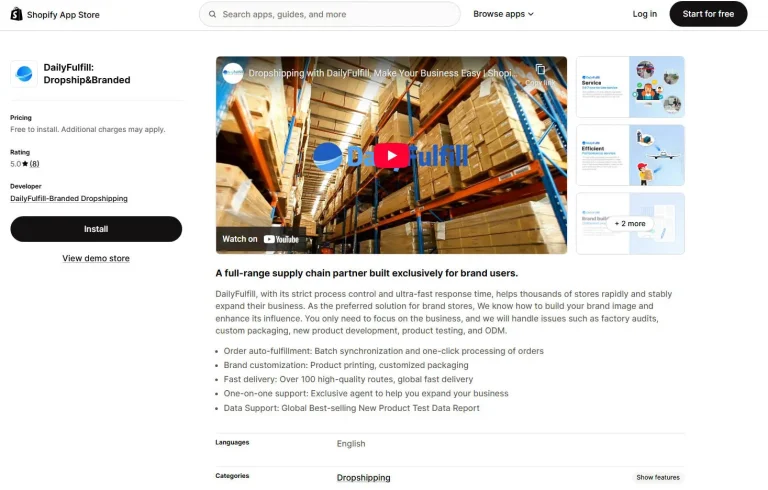
Install the official app, review the requested permissions, sign in to the correct DailyFulfill account, and authorize only the store intended for the workflow.
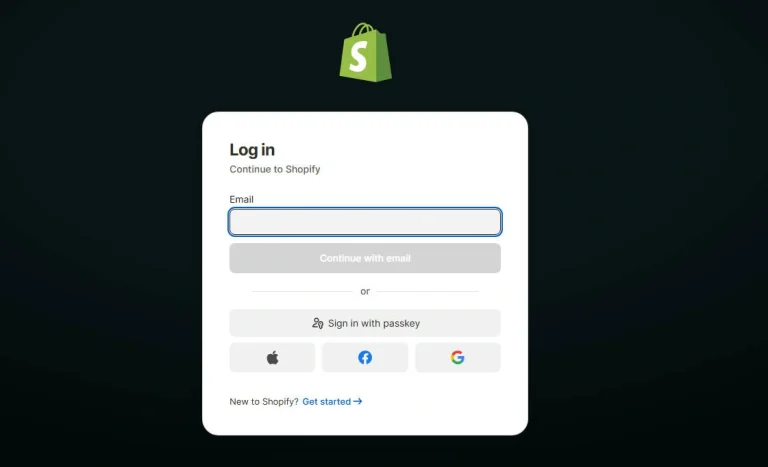
Confirm product and variation references, bundles, inventory source, fulfillment location, packaging rules, shipping routes, and any store-specific instructions.
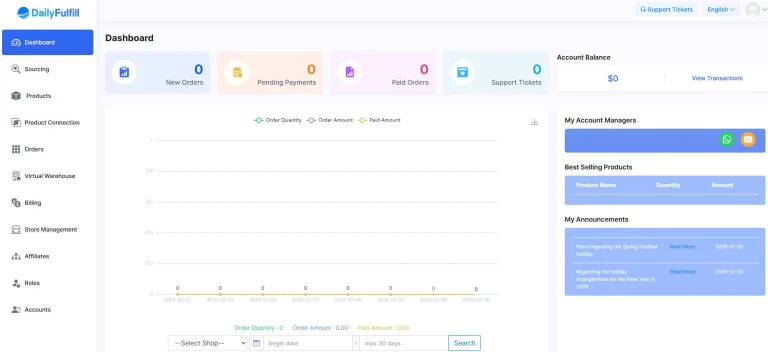
Run agreed test orders, check the imported data and warehouse instructions, create the shipment, and confirm that available tracking is returned correctly.
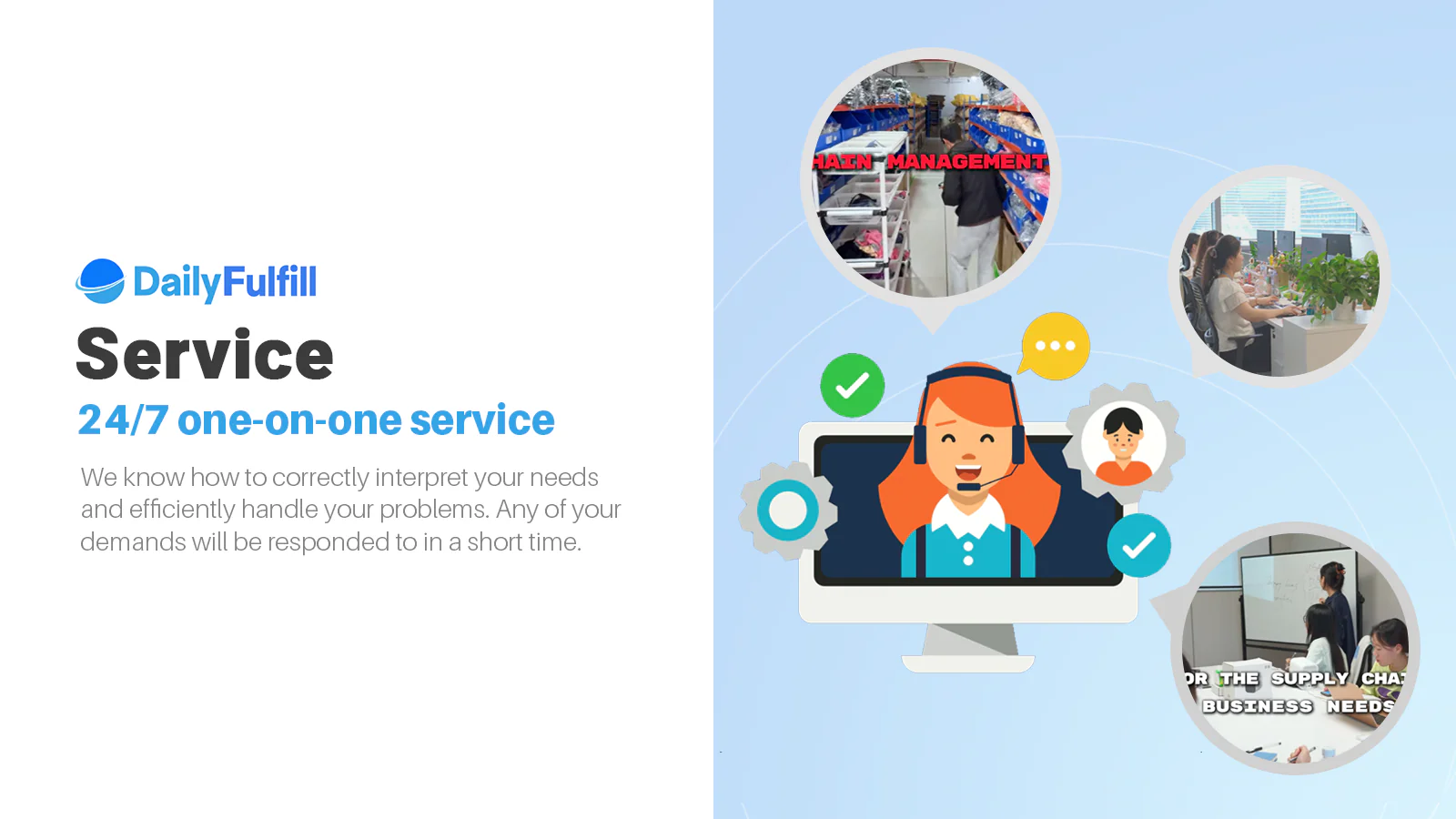
Automation is most useful when the underlying operational scope is clear. The service plan should define what the warehouse checks, packs, records, and escalates.
Agreed checks may cover SKU, variant, quantity, bundle contents, visible damage, and packaging. Product-specific or full inspection is scoped separately.
Supported tracking and shipment status return after successful dispatch. Failed or incomplete updates are reviewed as exceptions.
Use blank or approved branded materials according to the packing plan. Unapproved supplier materials should not be added to customer orders.
Confirm the dashboard, report, or update method; the timing of balance changes; low-stock communication; and discrepancy handling.
Each platform has its own permissions, product references, and workflow rules. DailyFulfill can coordinate approved stores under one operating account after the required mapping is confirmed.






Each store should have its own approved permissions, product and SKU mapping, inventory source, fulfillment location, shipping rules, and exception ownership.
Start with one approved store and a defined test. Once order data, warehouse instructions, shipping creation, and tracking return are stable, increase volume in stages.

Keep the existing visual resources while using each guide to answer a distinct setup, sourcing, or operating question.

Compare platform structure, seller control, operating requirements, and how fulfillment responsibilities differ.

Understand the product, supplier, variant, packaging, and approval work that comes before connected fulfillment.
Define inventory, order handling, packaging, shipping, tracking, returns, and exceptions before order volume grows.
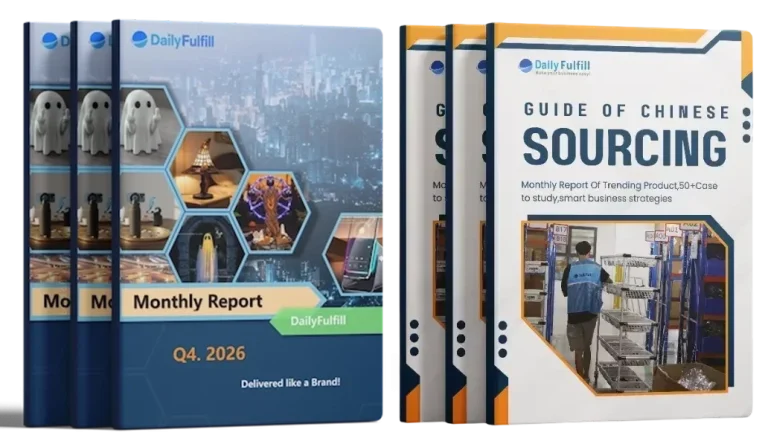
Store integration is one part of the operating system. Product selection, supplier approval, inventory planning, and packaging readiness should be considered before traffic and order volume are scaled.
Explore more DailyFulfill insights →